Guides
How to transfer files between a phone and computer without cloud storage
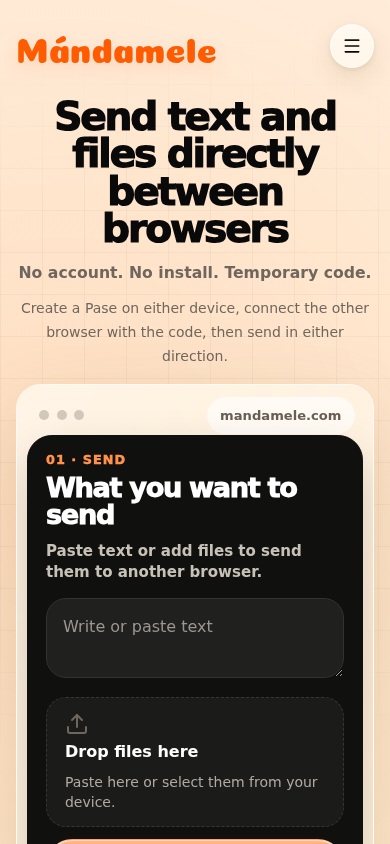
Mándamele joins two open browsers with a temporary Pase. The computer can create the code and the phone can join, or the direction can be reversed; either side can send once connected.
Updated 2026-08-07 · approximately 756 words
When this method fits
Moving a photo, PDF or small set of documents between your own devices should not always require a permanent shared folder. Mándamele is designed for that one-off exchange: open the site on both devices, connect them for as long as the transfer needs, and let the receiving browser keep the result. It does not create a library, a file history or a recoverable copy on a Mándamele server.
The current limit is 50 MB per file. Both browsers must remain open and connected until sending finishes. A larger file, continuous synchronisation or a backup belongs in a storage tool built for that job. Recognising the difference prevents a temporary transfer from being treated as if it offered persistence, recovery or background delivery.
Create the Pase on the receiving device
To move a phone photo to a computer, it is often easiest to create the Pase on the computer. Open mandamele.com, select “Send something” even though that device will receive, and wait for the six-character code and QR. The action creates a temporary connection; it does not permanently assign a sender role. Its label describes the usual starting point, not a technical restriction.
On the phone, open mandamele.com and enter the code under “Receive with code”. You can instead scan the QR with the page’s scanner or a camera that opens the link. The code alphabet omits easily confused characters such as I, L, O, 0 and 1. If the QR arrived through another channel, check the destination domain before opening it.
Choose and send the file
Once both browsers show a ready connection, use the phone’s file picker. Desktop also presents a drag-and-drop area. A file is split into 64 KiB chunks and sent through an ordered DataChannel. The application watches the amount queued in the browser so that it does not push the whole file into the connection at once.
The interface shows send and receive progress. Do not close the tab, aggressively lock the browser or switch to a power-saving mode that suspends the page. On completion, the receiver has a copy in browser memory and can download it. A text or image preview, when available, is not a substitute for saving the file to the intended location.
What “without cloud storage” means here
The Mándamele server creates and maintains the technical Pase state and forwards the WebRTC offers, answers and candidates needed to negotiate connectivity. Text and file chunks do not use that control WebSocket. After the DataChannel opens, content is sent from one browser to the other; the application has no route that uploads the transferred file into server-side object storage.
That does not mean network infrastructure disappears. Packets cross both access networks and their providers. The implementation configures a Google STUN service to help discover connectivity information, but it does not configure TURN or another content relay. It also does not add a custom cryptographic layer on top of the browser’s WebRTC transport.
What remains on each device
The sending device retains its original. The receiver controls the new copy: it may remain briefly in browser memory, appear as a preview and, if downloaded, move into the downloads folder or another location chosen by the operating system. Clipboard history, download history, device backup or installed security software may retain information outside Mándamele’s control.
Closing the Pase removes the transfer interface and revokes local object URLs used in that session, but it cannot erase a download that was already saved. For sensitive material, also check notifications, system previews and automatic synchronisation of the downloads folder. “No Mándamele cloud storage” is not the same as “no copies exist anywhere.”
If it will not connect or stops
First check that the code is current: a new anonymous Pase has ten minutes to establish a connection. Create a fresh one after it expires. Keep both tabs visible, reload both sides if necessary, and prevent the operating system from suspending the browser. A VPN, company network, firewall or some mobile networks can prevent a direct WebRTC route.
Because Mándamele has no TURN relay, it cannot automatically turn an incompatible network into a server-relayed transfer. Moving one device to a less restrictive trusted network, such as a home connection or approved hotspot, can help. Keep the original of an important file until the receiver opens and verifies the downloaded copy.
- Verify the name, size and format before relying on the copy.
- Do not publish the temporary code in a public channel.
- Close the Pase when finished and remove downloads you no longer need.